
Jojo 66 App Referral: Sharing Your Invite Link
Referral is a simple idea: you share your personal invite link, a friend signs up through it, and the app connects their new account to yours. It costs nothing to share, and it can be a pleasant way to bring a friend into the same games you already enjoy. Before you send your link anywhere, it helps to understand where to find it, how it works, and what sensible sharing looks like. The Jojo 66 apk guide covers the invite system in general terms, so new players can get started without guessing. This article walks through the process step by step and explains the honest, low-pressure way to invite people you actually know.
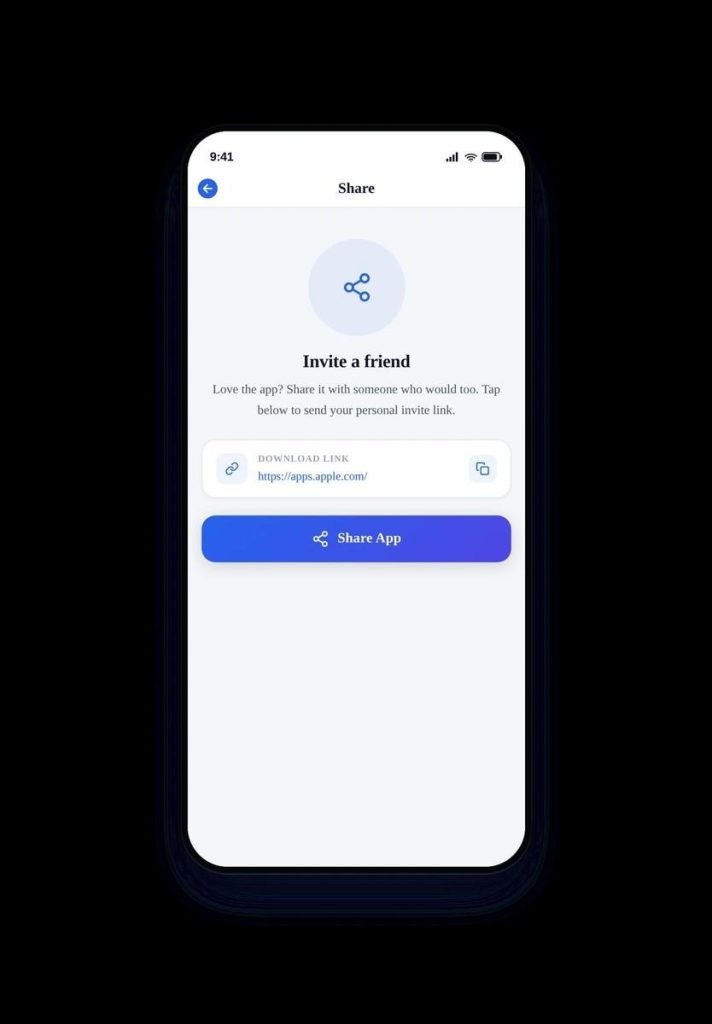
What a Referral Link Does
Your invite link is a personal web address that identifies you as the person who introduced a new player. When someone opens it and creates an account, the platform records the connection between the two accounts. That is the whole mechanism, and it is worth understanding before you share it widely. The link does not give anyone access to your wallet, your balance, or your personal details, and it does not change your own account in any way. If a friend asks how you found the platform, sending the link is simply the easiest way to show them.
Finding Your Invite Link in the App
Invite links are normally kept in the account, profile, or referral section of the app, sometimes under a heading such as invite, refer, or share. Open that area while you are signed in and look for a link or a button that copies it to your clipboard. Take care to copy the full link, because a half-copied address will not work for the person who receives it. If you cannot see a referral section, it may be labelled differently or placed inside a menu, so look through the account pages slowly. Do not trust links sent to you by strangers who claim to offer a special invite, because only the link shown inside your own account is genuinely yours.
Sharing It With People You Know
The best people to invite are friends or family members who are already curious about the games and would enjoy trying them. Send the link in a normal chat, explain briefly what the platform offers, and let them decide in their own time. There is no need to send it to large groups, post it on random pages, or message people who never asked about it. That kind of sharing annoys people and rarely brings in anyone who actually stays. A short, honest message works far better than a long sales pitch. If your friend has questions, answer them plainly or point them to the guide pages so they can read about the platform first.
What Happens After Someone Joins
After a friend signs up through your link, their account is connected to your referral record, and you may be able to see a count of invited friends inside the referral section. Any rewards tied to referrals are shown inside the app itself, so check there rather than believing promises made in chats or videos. The jojo 66 app guide is an independent information site, not the official app, so the exact rewards and rules are whatever the app displays on your own screen. Do not quote reward figures to friends unless you have just read them inside the app, because those details can change and an out-of-date claim causes confusion later.
Mistakes to Avoid When Referring
One common mistake is treating referrals as a way to earn money quickly, which leads to spamming links everywhere and disappointing friends. Another is sharing your link on public pages where strangers can misuse it or where it may break the rules of that page. Keep your sharing personal and small scale, and never pay anyone to click your link or create accounts for you. Also, never share your password or login details alongside the invite, because the link alone is all anyone needs.
Referral works best when it stays simple and honest. Find your link inside your own account, share it only with people who are genuinely interested, and let them make up their own minds. Check the app itself for any rewards or rules, and avoid making promises about figures you have not just seen on your screen. Done this way, inviting a friend is a small, friendly step that adds a familiar face to the games you play, without pressure on either side.
